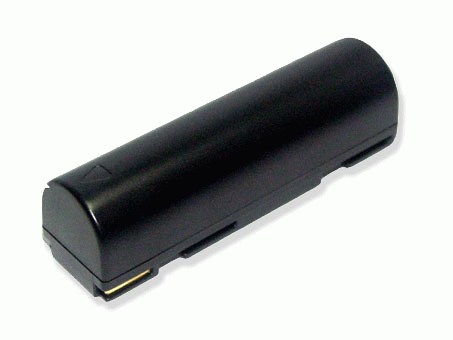
1. New battery pack must be fully charged before use.
2. New battery pack needs to be fully charged and discharged (cycled) a few times before it can condition to full capacity.
3. Rechargeable batteries undergo self-discharging when left unused. Always store a battery pack in a fully charged staged for storage.
4. Fully drain and fully recharged your battery pack every few months.
5. Turn down the LCD brightness of your portable device.
6. Use built-in power management on your portable device.
7. Turn off LCD or other unnecessary accessories when not in used.
8. Set screen saver blank to 1 to 2 minutes of your notebook.
9. Add more RAM if you have extra RAM expansion slot, it will reduce the usage of hard drive and it is power exhaustive.
10. Close unused software in your notebook.
11. Remove unused PC Cards or USB devices from your notebook.
12. Don't watch DVD or play graphics intensive video games.
13. Don't short circuit terminal or store your battery pack with metal parts.
14. Don't drop or mutilate the battery pack.
15. Don't expose to moisture or water.
16. It is normal to get warm when charging or normal use. If it is getting too hot, there may be a problem with the device and qualified personnel should check it.



 0 Item(s): £0.00